
👨🏾👧🏾 For families
Following your child's progress
Progress page, weekly email, report cards and shout-outs.
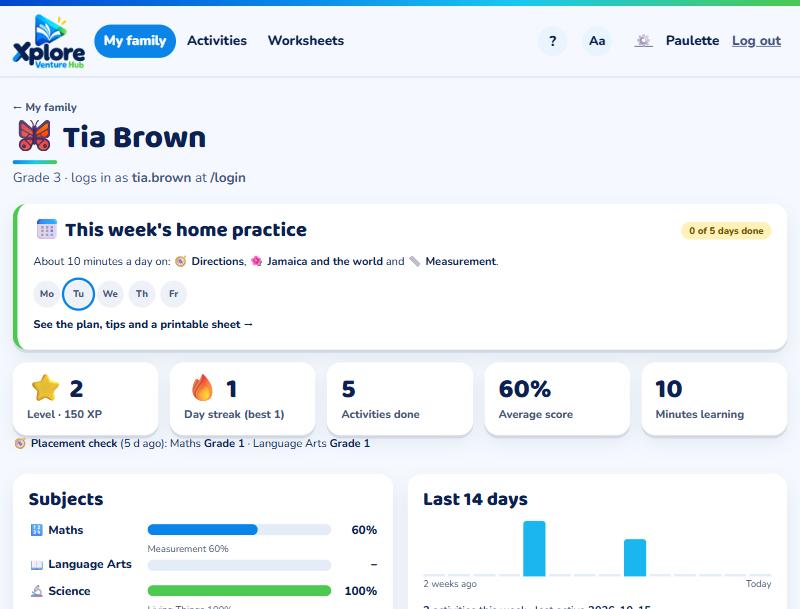
Open My family and choose your child. You'll see:
- Activities done, average score and time spent learning
- Progress in each subject, and the skills they're practising
- Work set by the teacher and whether it's done
- PEP readiness (Grades 5 and 6) and their placement check level
Weekly email
Every Sunday evening XVH sends a short summary of the week. Turn it on or off in My account.
Shout-outs
Send your child a quick message of encouragement from their page. They'll see it next time they log in.
Report cards
When the teacher shares them, press Report card on your child's page.