
👥 Classes and pupils
How pupils log in (and resetting a PIN)
Class login with a picture tap and PIN, or username and PIN.
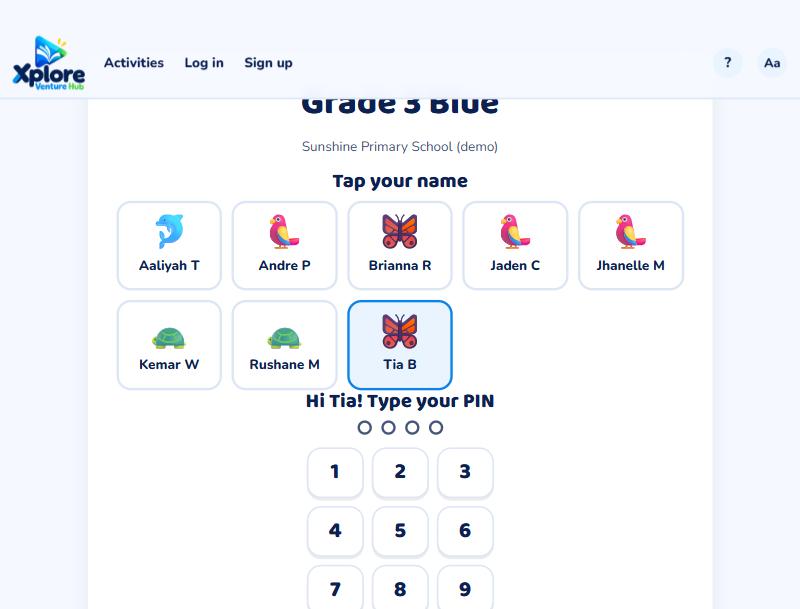
Class login (easiest for young pupils)
- Go to xvh.io/class-login and type the class code.
- Tap your name.
- Type your PIN.
Username and PIN
On the Log in page, choose Pupil and type the username and PIN from the login card.
Forgotten PIN
- Teachers: on the Pupils tab, press New PIN next to the pupil. The new PIN is shown once: write it down for them.
- Parents: open your child's page and set a new PIN.
Pupils can change their own PIN on My progress if they know the old one.