
🧠 Learning on XVH
Drawing and art
How to draw, paint and send your pictures to your teacher.
Find art in 🎮 Activities: choose Creative Arts.
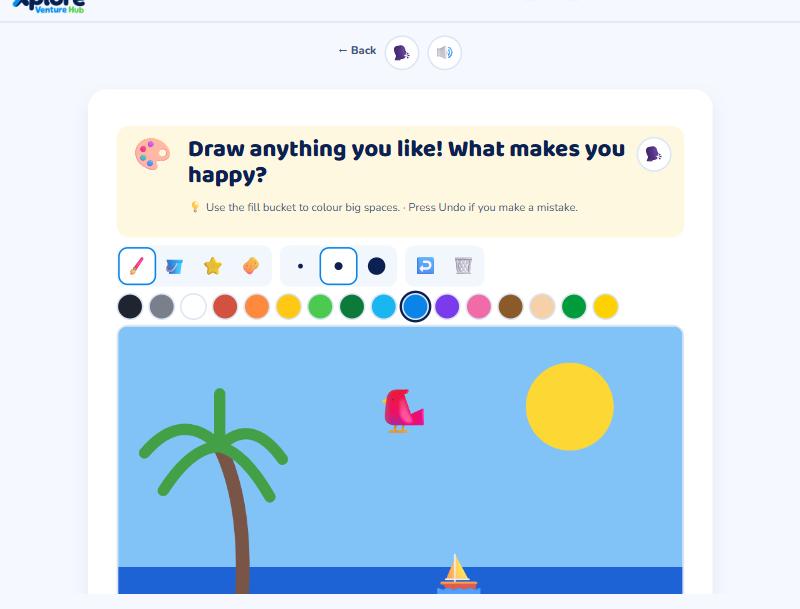
Drawing studio
- 🖌️ Brush: draw lines. Pick a size and a colour.
- 🪣 Fill: tap a space to fill it with colour.
- ⭐ Stamps: tap to add a picture.
- 🧽 Eraser, ↩️ Undo and 🗑️ Clear.
- In mirror mode, whatever you draw on one side appears on the other side!
When you've finished, press 🎨 Send to my teacher. You earn XP and coins.
My pictures
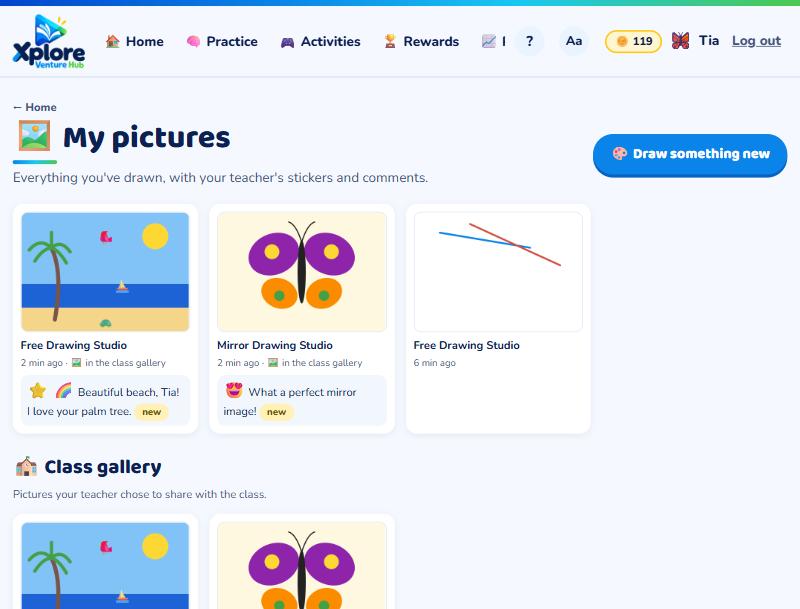
Open 🖼️ My pictures from your home page to see your pictures, with your teacher's stickers and comments. Pictures your teacher chooses for the class gallery can be seen by your classmates.
Rhythm and music
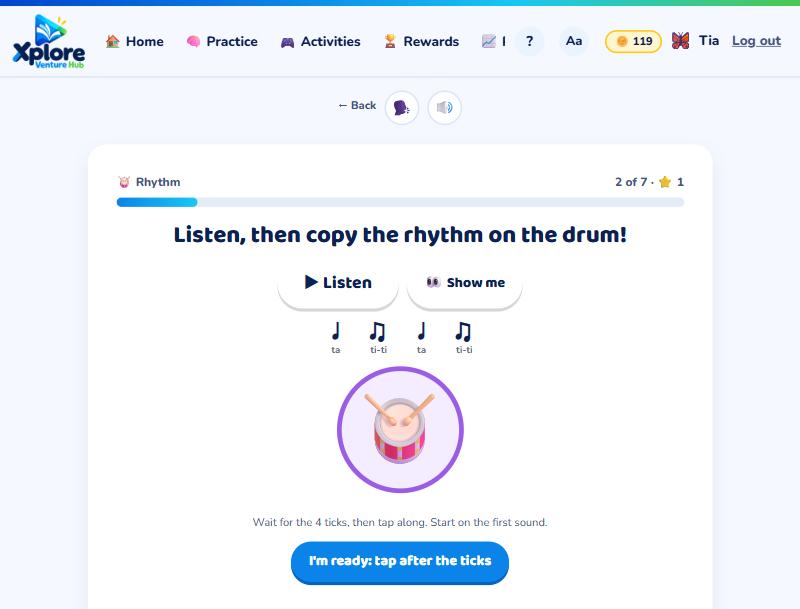
Turn your sound on! Listen to the rhythm, then answer or copy it on the drum 🥁. Wait for the 4 ticks, then tap along. At the end, make your own beat on the drum machine.
Made something from a craft card? Press 🎉 I made it! and show a grown-up.