
🚀 Getting started
Deleting an account
Parents and teachers can delete their own account. Pupils ask their teacher or parent.
Parents and teachers
- Open My account (your name at the top of the page).
- At the bottom, press Delete my account.
- Type your password and the word DELETE, then press Delete my account for good.
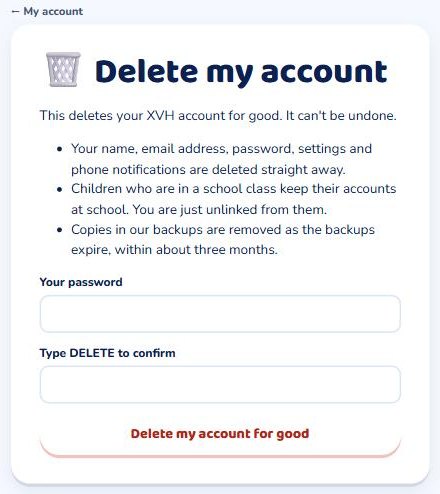
Your name, email address, password and settings are deleted straight away, and it can't be undone.
- Parents: children who are not in a school class (and have no other parent linked) are deleted with you, including their results, pictures and recordings. The page lists them by name before you confirm. Children in a school class keep their school account.
- Teachers: your classes and your pupils' work stay with your school, so the school can give the classes to another teacher.
Pupils
A pupil's teacher can delete their account: open the pupil and use 🗑️ Delete this pupil. A parent can also email support@xvh.io to ask.
Can't log in? See how to ask us to delete an account. We delete it within 30 days.