
🚀 Getting started
Getting started as a parent
Create your account and add your child.
1. Sign up
Go to Sign up and choose Parent.
2. Add your child
On My family you can:
- Create an account for your child: choose their name, grade and a PIN. You'll see their username.
- Link to the account their school made: type the link code from your child's teacher (teachers find it on the pupil's page).
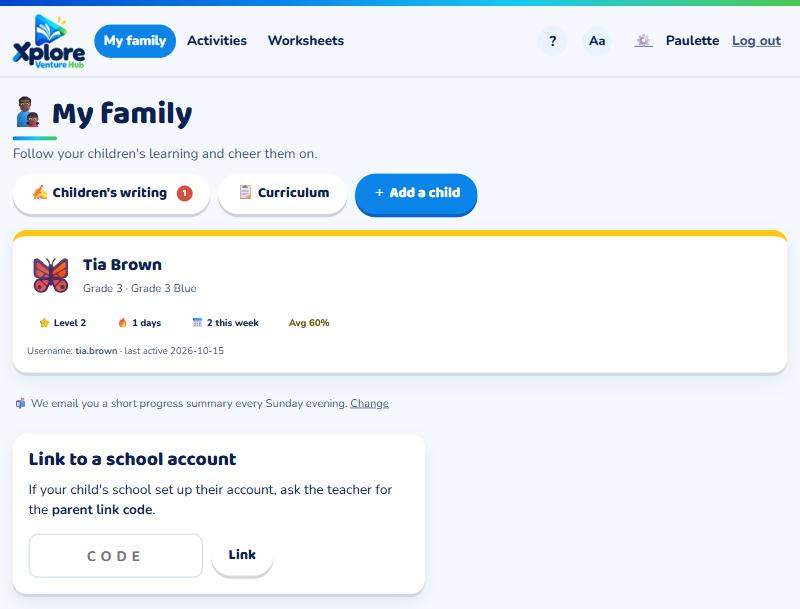
You'll see everything they do at school and at home.
3. Let them play
Your child logs in with their username and PIN (see How pupils log in).
Tip: You can add more than one child.