
📱 Your device
Offline pack and low-data mode
Play without the internet, and use less data.
Offline pack (pupils)
- While you have internet, open your home page and press 📥 Offline pack.
- Press Save all (or save single activities).
- Later, with no internet, open XVH: your saved activities are listed and work as normal.
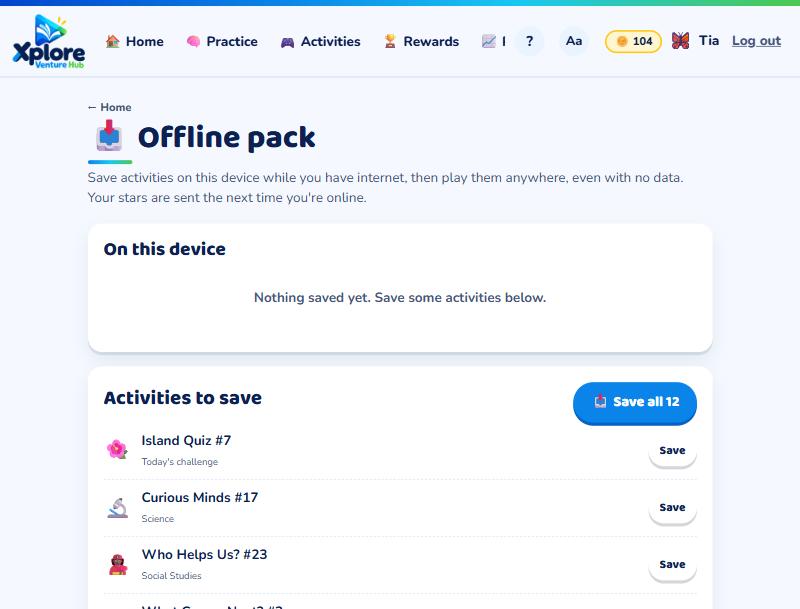
Your stars are kept on the device and sent the next time you're online. Logging out removes the saved activities, so a shared phone stays private. My Practice and writing tasks need the internet.
Low-data mode (everyone)
At the bottom of any page, press 📶 Low-data mode. Pages then skip fancy fonts, animations and confetti, and use less data. Press it again to turn it off.