
📱 Your device
Reading settings: easy-read font, bigger text, high contrast
Make XVH easier to read with the Aa button.
Press the round Aa button at the top of any page:
- Font: choose Easy-read for a clearer font that many children with dyslexia find easier.
- Text size: A, A+ or A++ makes everything bigger.
- High contrast: black text on white with strong outlines.
- Wider spacing: more space between lines and words.
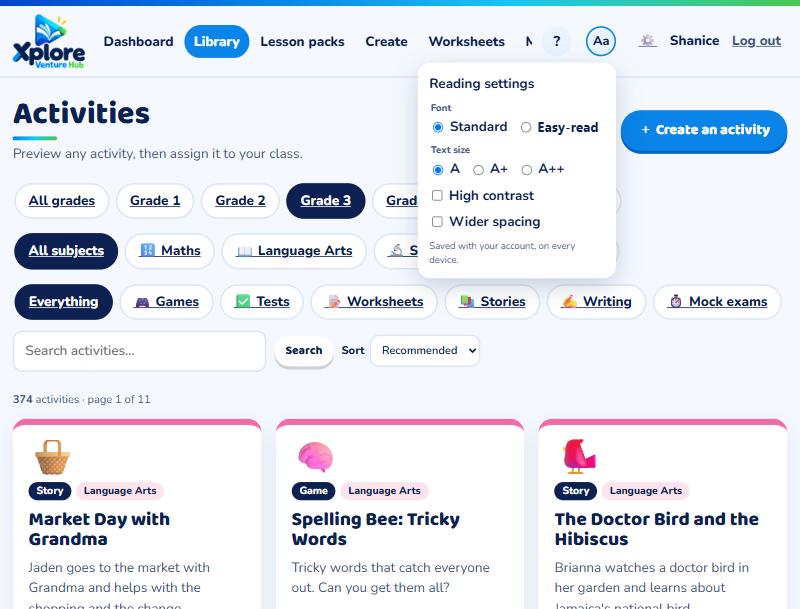
Changes happen straight away. When you're logged in they're saved with your account, so they follow you to any device.