
📱 Your device
Phone notifications
Free alerts for new work, marked writing and class messages.
XVH can send free alerts to your phone, tablet or computer, with no SMS charges.
Turn them on
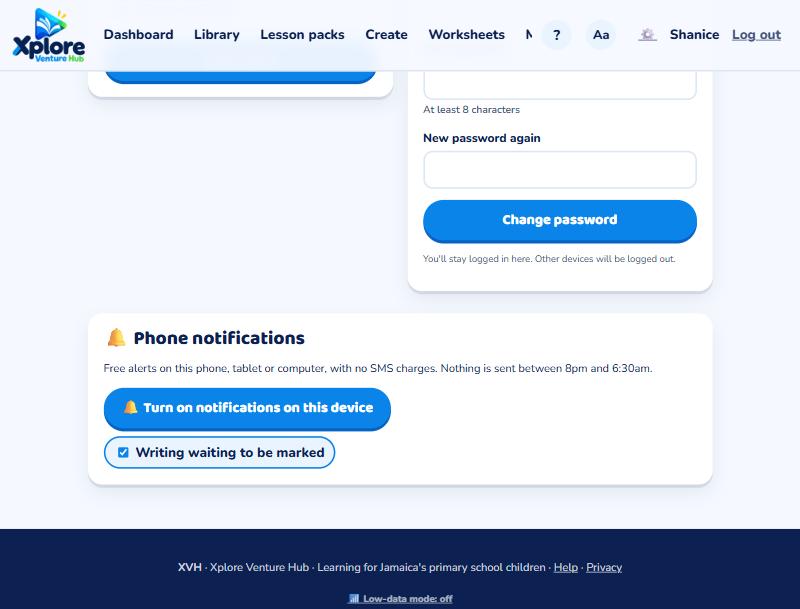
- Teachers and parents: open My account (⚙️) and press 🔔 Turn on notifications on this device.
- Pupils: open My progress and press the same button.
Allow notifications when your browser asks. You'll get a "Notifications are on" message straight away. Do this on each device you use.
What you'll get
- Pupils and parents: new work, writing marked or sent back, class messages. Pupils can also get a 4pm reminder to keep a streak going.
- Teachers: writing waiting to be marked.
Untick anything you don't want. Nothing is sent between 8pm and 6:30am.
iPhone and iPad
Tap Share, then Add to Home Screen. Open XVH from the home screen icon and turn notifications on there.