
📌 Setting work
Live class quiz
Play a quiz together: questions on the board, pupils answer on their devices.
For teachers
- Open any quiz, mock exam or story in the library and press 📺 Play live.
- Choose the time for each question and how many questions, then Open the game.
- Show the screen on the board. Pupils go to xvh.io/live and type the code.
- When everyone has joined, press Start. After each question you'll see how many chose each answer, then the leaderboard.
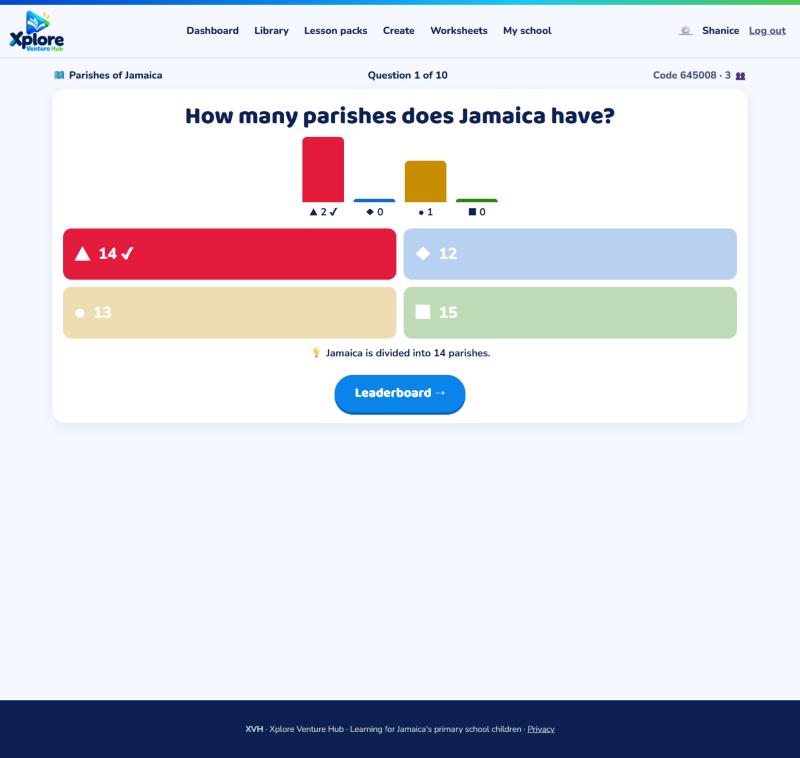
Scores are saved to each pupil's progress at the end. Tap a name in the lobby to remove someone.
For pupils
Go to xvh.io/live, type the code on the board, and tap the colour of your answer. Quick right answers score the most points!
Up to 60 players can join one game.